
The On3 App allows you to review every attempt you’ve made on your Knowledge Checks. This feature helps you understand which questions you answered correctly or incorrectly so you can reassess your knowledge and strengthen your learning.
Follow the steps below to track your progress through your Knowledge Check results.
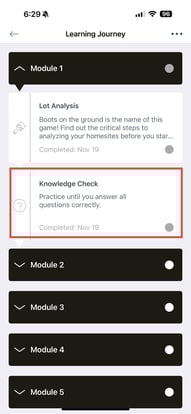
1. Go to the Knowledge Check Section
On the main page of the course, navigate to the Knowledge Check area.
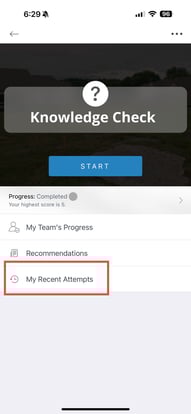
2. Open Your Recent Attempts
Tap “My Recent Attempts.”
A list of your previous attempts will appear.
Select any attempt to view more details.
3. View Your Attempt Details
You will see a detailed summary of your selected attempt.
-
Tap anywhere inside the attempt description box
-
Your previous answers will be displayed
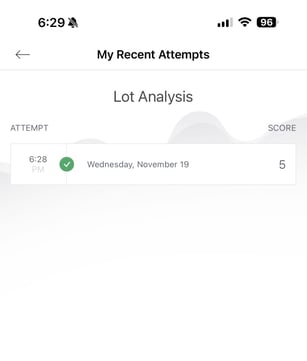
This allows you to review which responses were correct and which need improvement.
4. Reassess and Review the Course
Take time to go through each question again.
If you are unsure about certain topics:
-
Return to the course content
-
Revisit the lesson materials
-
Strengthen your understanding before attempting again
When you feel ready, you can start a new attempt.
5. Save or Share Your Progress
To stay organized:
-
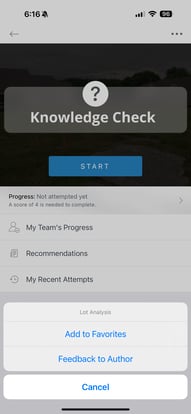
Add this Knowledge Check to your Favorites for quick access
-
Or send Feedback if you want to share insights or issues with your admin team
Reviewing past attempts is a powerful way to improve mastery, track your growth, and build confidence in your learning journey.